EN
It’s taken off with a bang. Over 2,600 slots, table games and more at a touch of a button!

Scan the QR code

Tap "Download"
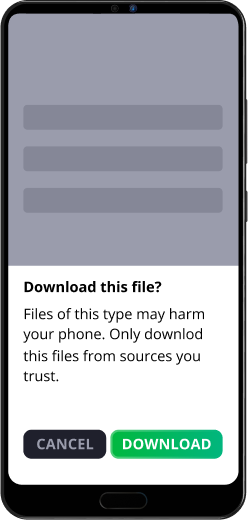

Go to "Install unknown apps"
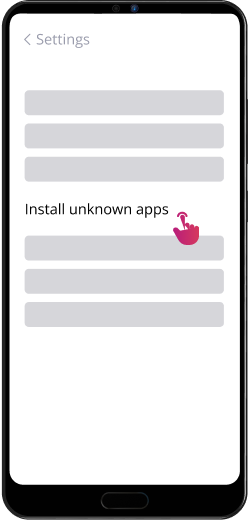

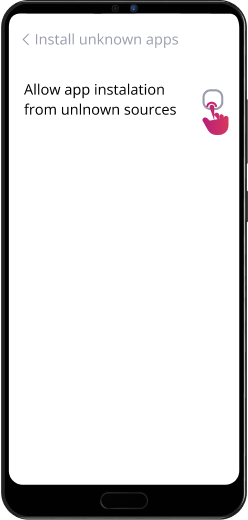
Allow installs from this source

Open the downloaded file
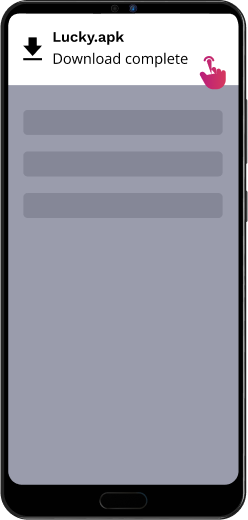

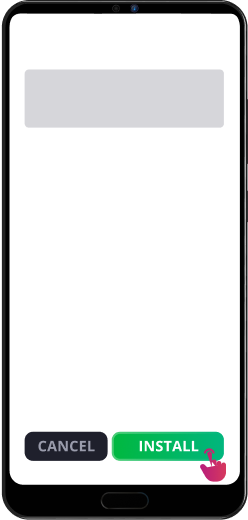
Tap "Install"
Scan the QR code
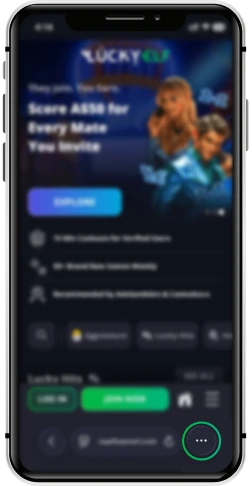
Tap “More” button
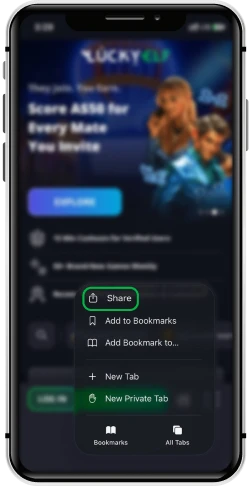
Tap the “Share” button
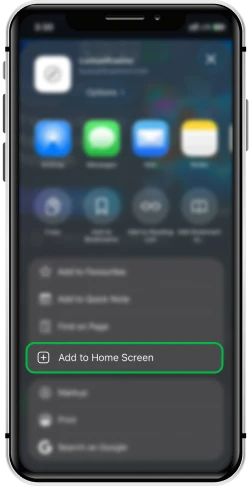
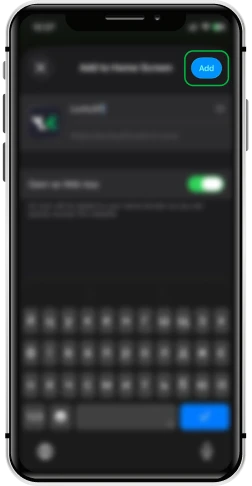
Select “Add to Home Screen”
Tap "Add" and enjoy!
Scan the QR code
Tap the “Install Web App” button
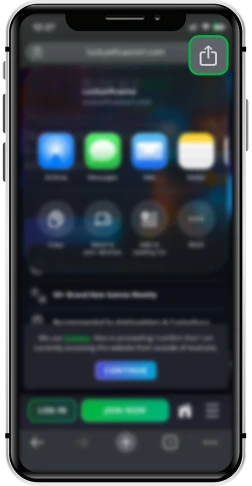
Tap “More” button
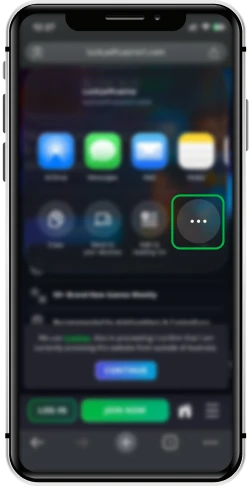
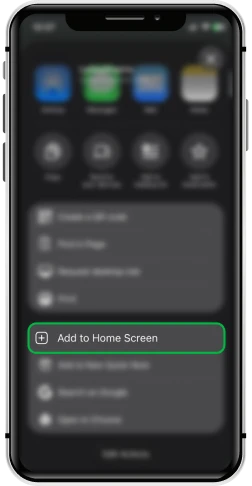
Select “Add to Home Screen”
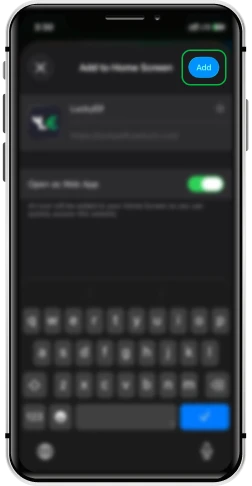
Tap "Add" and enjoy!
Open LuckyElf in Chrome on your Windows device

Select the Install icon in the address bar in the right corner

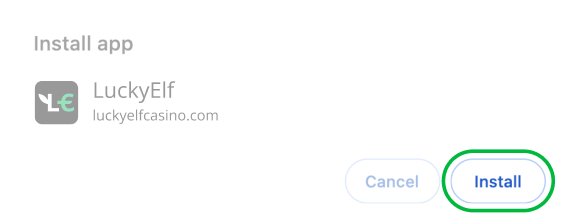
Tap the “Install” button to confirm
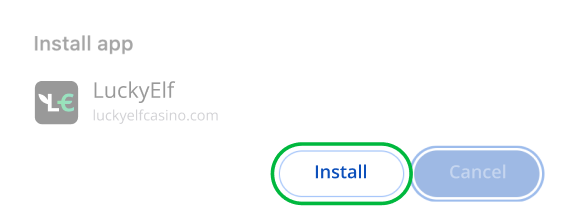
Open LuckyElf in Chrome on your Mac device

Select the Install icon in the address bar in the right corner
Tap the “Install” button to confirm


Copyright © 2026 LuckyElf Casino is owned and operated by Metlait SRL, a company registered under the laws of Costa Rica with company registration number 3-102-911867 and having its registered address at El Guayaval, Residencial La Campina Casa Numero Q -11, Cartago, El Guarco, Tejar, 30801 — Costa Rica. Metlait SRL is operating under E-gaming license No. 0000064 issued by the Tobique Gaming Commission.